
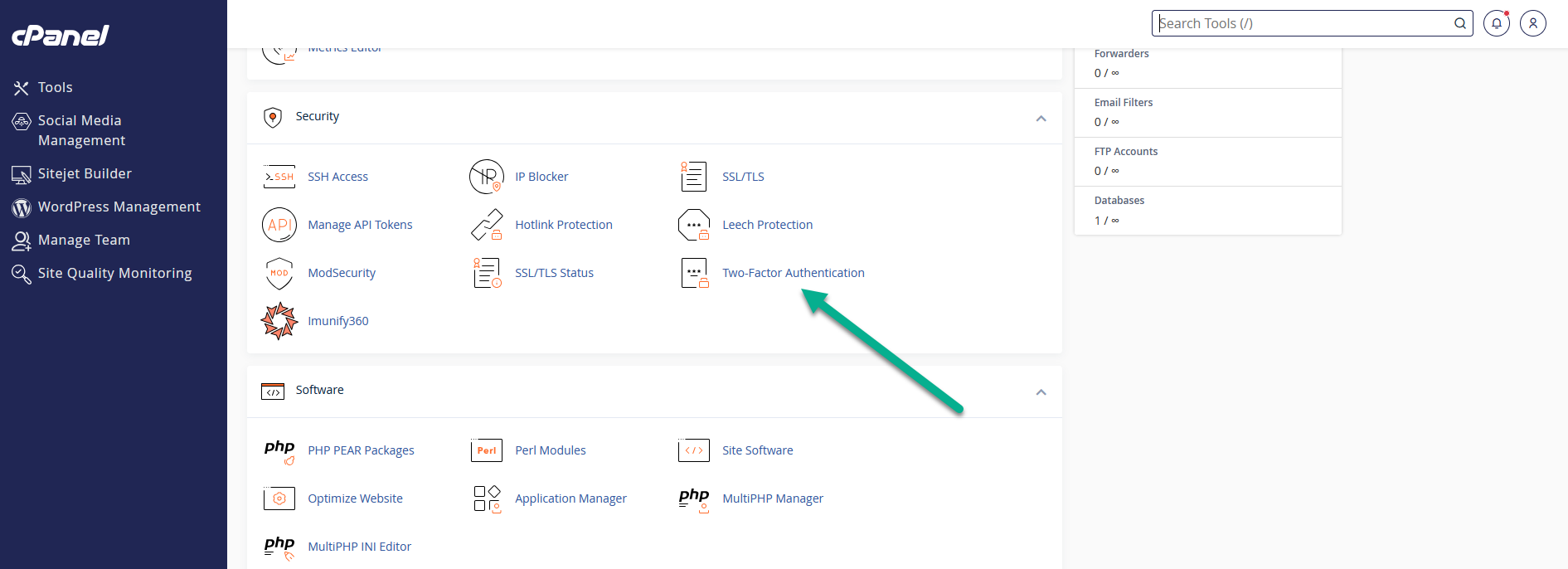
1 – Depois de acessar o cPanel, vá em Two-Factor Authentication
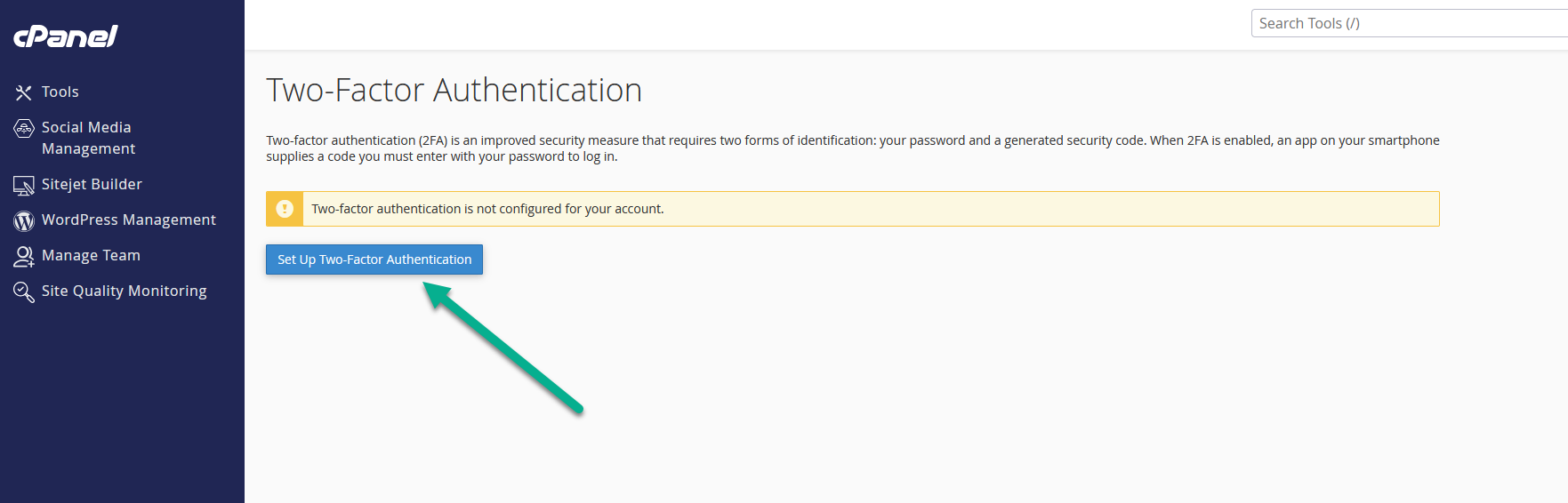
2 – Clicar em Set Up Two-Factor Authentication
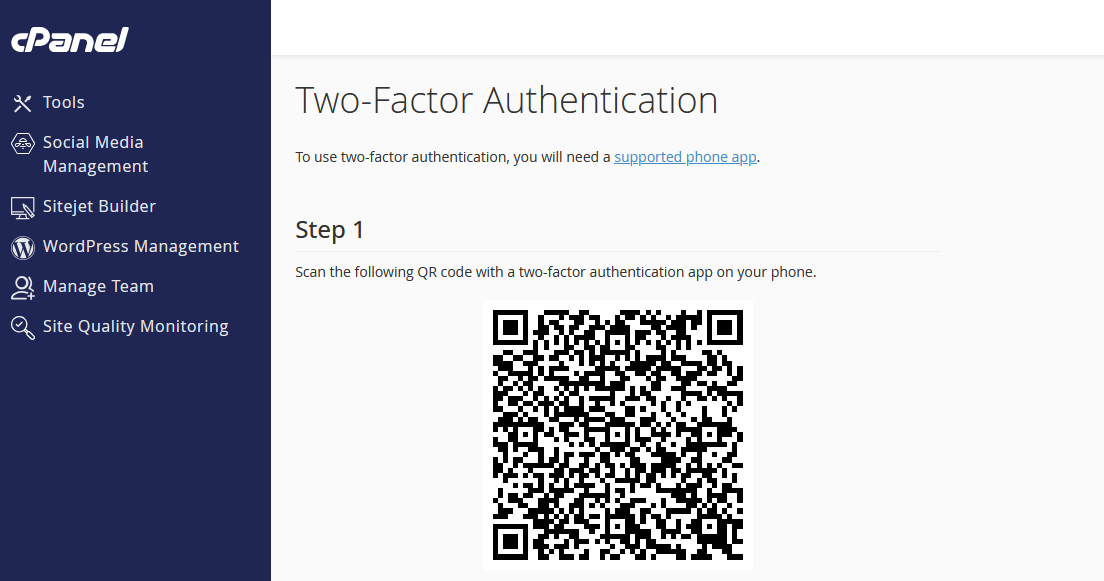
3 – Scanear com o App de 2fa
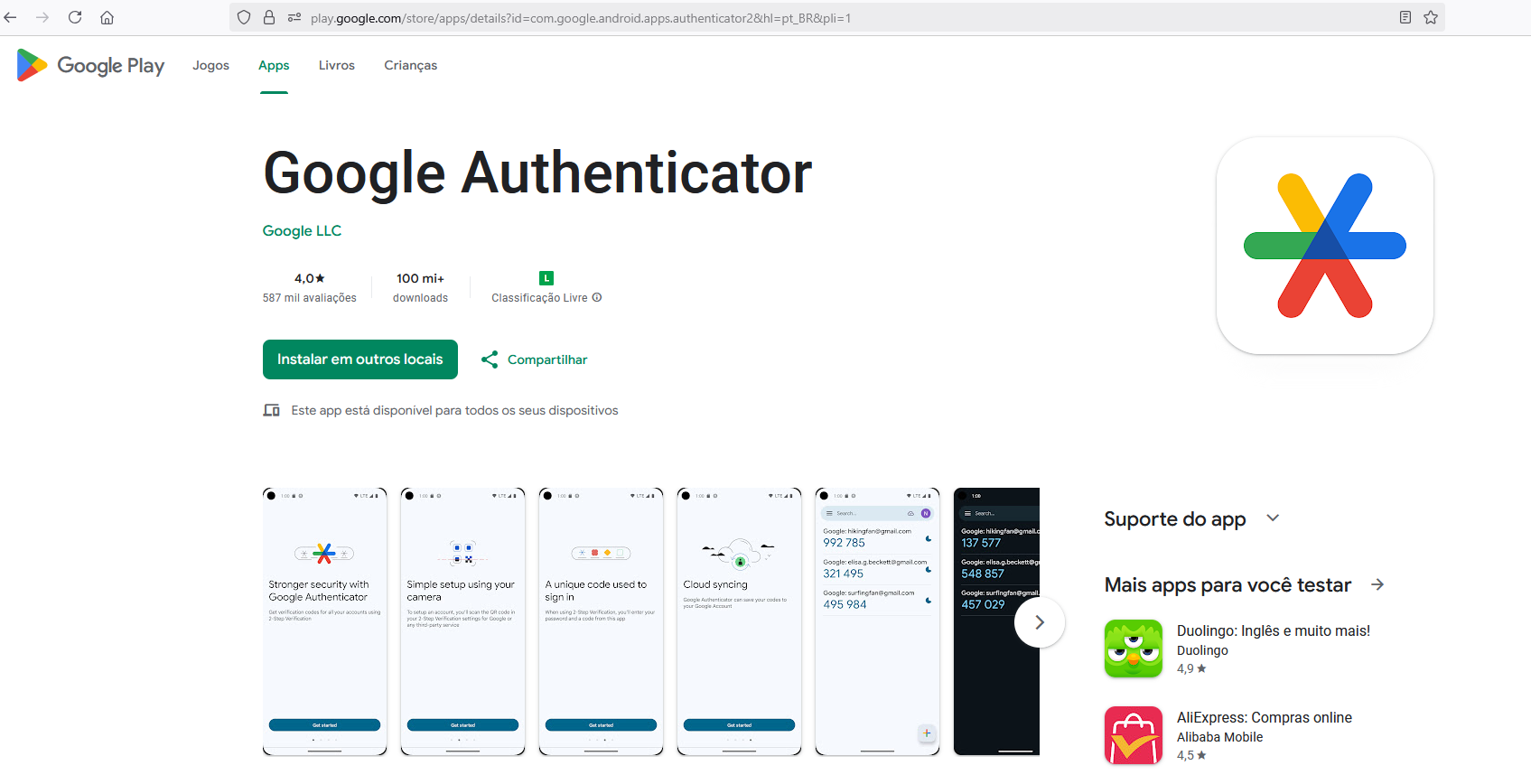
4 – App Google Authenticator
https://play.google.com/store/apps/details?id=com.google.android.apps.authenticator2&hl=pt_BR&pli=1
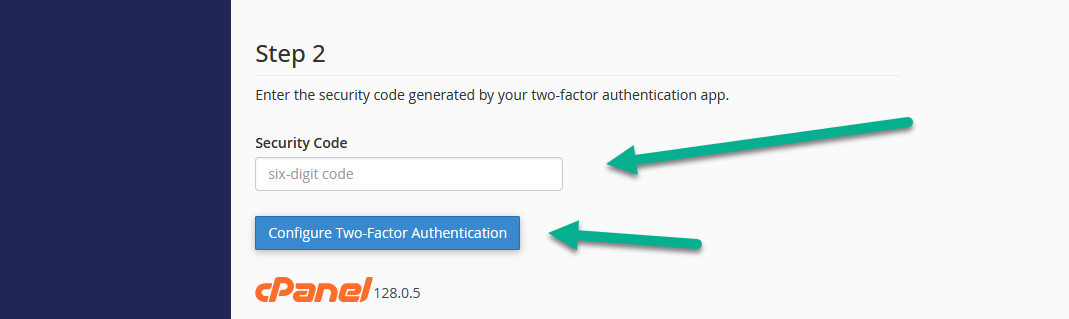
5 – Colocar o Código Gerado e Clicar em Configure